
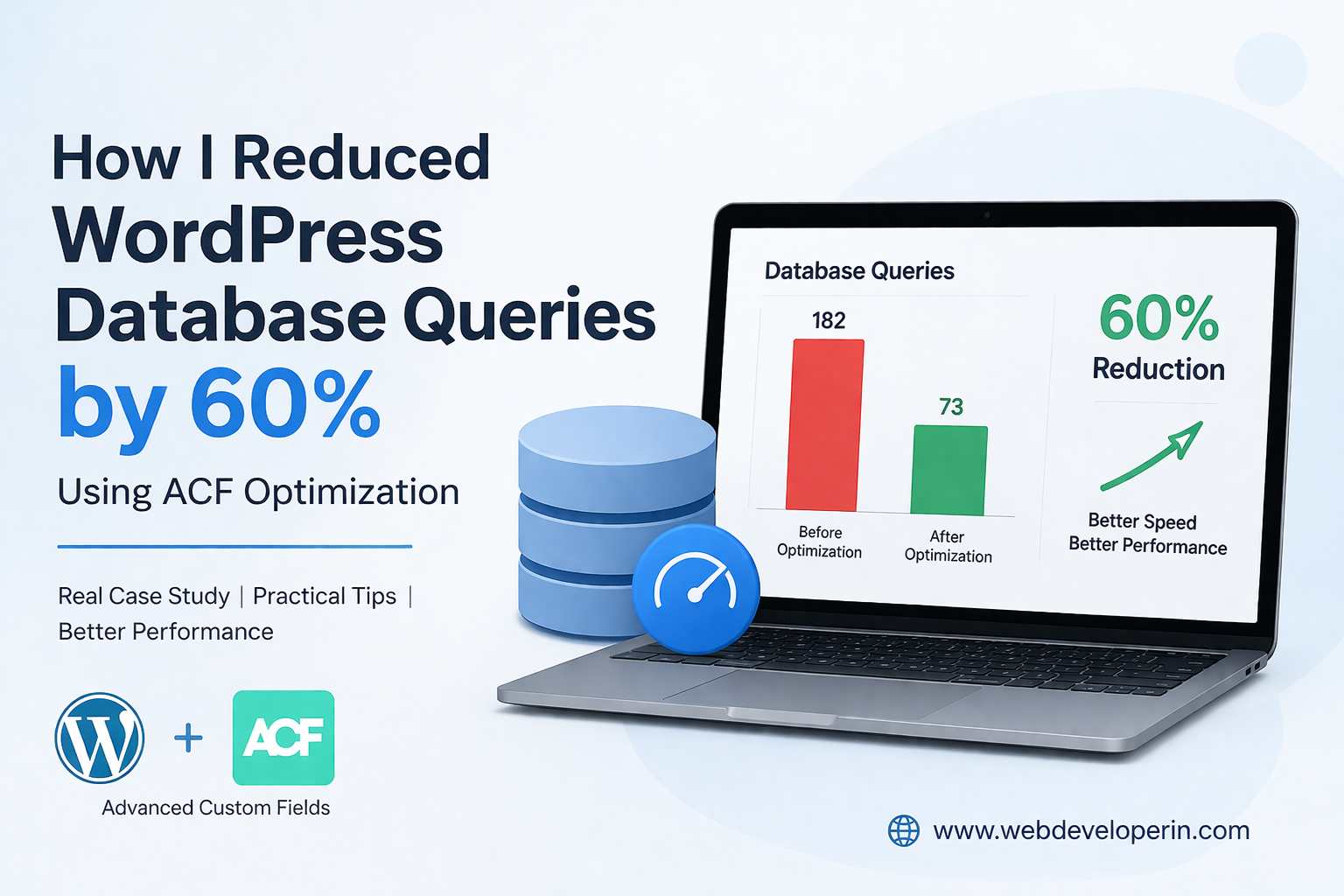
ACF Optimization: How I Reduced WordPress Database Queries by 60%
WordPress is extremely flexible, but poorly optimized implementations can lead to high database queries and slow website performance. Many developers use Advanced Custom Fields to build dynamic websites, but without proper ACF optimization, the number of database queries can increase significantly.
In a recent project, I noticed that the homepage was generating over 180 database queries, mainly due to inefficient use of ACF functions. After applying several ACF optimization techniques, I reduced the queries by nearly 60%, which improved the page load speed and overall performance.
In this article, I’ll explain the exact steps I used to optimize ACF and reduce WordPress database queries.
Why ACF Optimization is Important for WordPress Performance
Advanced Custom Fields is one of the most powerful tools for customizing WordPress websites. However, each call to get_field() may trigger a database query if the value is not cached.
Without proper ACF optimization, websites may suffer from:
- High database query counts
- Slow page loading
- Increased server load
- Poor Core Web Vitals
Optimizing how ACF data is retrieved can significantly improve WordPress performance and scalability.
The Problem
The website had:
- Multiple ACF fields across templates
- Repeated
get_field()calls - Flexible content sections
- Global settings fields
Each call to get_field() triggered a separate database query, especially when used repeatedly inside loops.
Example problem code:
<h2><?php echo get_field(‘section_title’); ?></h2>
<p><?php echo get_field(‘section_description’); ?></p>
<img src=”<?php echo get_field(‘section_image’); ?>”>
This may look fine, but when repeated across multiple sections, it adds unnecessary database queries.
Step 1: ACF Optimization – Load Fields Once Instead of Multiple Times
Instead of calling get_field() repeatedly, retrieve the entire field group once.
Example optimized approach:
$section = get_fields();
echo $section[‘section_title’];
echo $section[‘section_description’];
echo $section[‘section_image’];
Now WordPress loads all ACF fields in a single query.
This immediately reduced dozens of database calls.
Step 2: Avoid ACF Calls Inside Loops
Another major issue appeared in product listing sections.
Bad implementation:
while($query->have_posts()) {
$query->the_post();
echo get_field(‘product_price’);
echo get_field(‘product_rating’);
}
If 20 posts are displayed, this triggers 40 additional queries.
Using proper ACF optimization, we can load all fields once per post.
$query->the_post();
$fields = get_fields();
echo $fields[‘product_price’];
echo $fields[‘product_rating’];
}
Now the fields are loaded once per post.
Step 3: Cache Global Settings Fields
Many sites repeatedly call global ACF fields like:
get_field(‘phone_number’, ‘option’);
This is often used in:
- header.php
- footer.php
- sidebar.php
Instead, cache it once.
Example optimization:
function wd_global_settings(){
static $settings;
if(!$settings){
$settings = get_fields(‘option’);
}
return $settings;
}
$settings = wd_global_settings();
echo $settings[‘phone_number’];
Now the database is queried only once per request.
Step 4: Use Local JSON for Faster Field Loading
ACF supports Local JSON, which stores field groups as JSON files in the theme.
Benefits:
- Reduces database lookups
- Faster admin loading
- Easier version control
Enable it with:
add_filter(‘acf/settings/save_json’, function() {
return get_stylesheet_directory() . ‘/acf-json’;
});
ACF will now store field configurations locally.
Step 5: Avoid Unnecessary Flexible Content Loops
Flexible content fields are powerful but can create performance issues if not optimized.
Example problem:
while ( have_rows(‘content_sections’) ) : the_row();
If there are many sections, WordPress repeatedly loads field data.
Better approach:
$sections = get_field(‘content_sections’);
foreach($sections as $section){
// render section
}
This loads all rows in one query.
Key Lessons from This Optimization
When working with ACF in WordPress:
✔ Avoid repeated get_field() calls
✔ Load field groups once
✔ Cache global settings
✔ Use Local JSON
✔ Optimize flexible content loops
These small changes can dramatically improve website performance.
ACF is one of the most powerful tools for building custom WordPress websites. But like any tool, it must be used efficiently.
Optimizing how ACF fields are loaded can significantly reduce database queries, server load, and page load time.
If your WordPress website feels slow, reviewing how custom fields are implemented might reveal quick performance wins.