
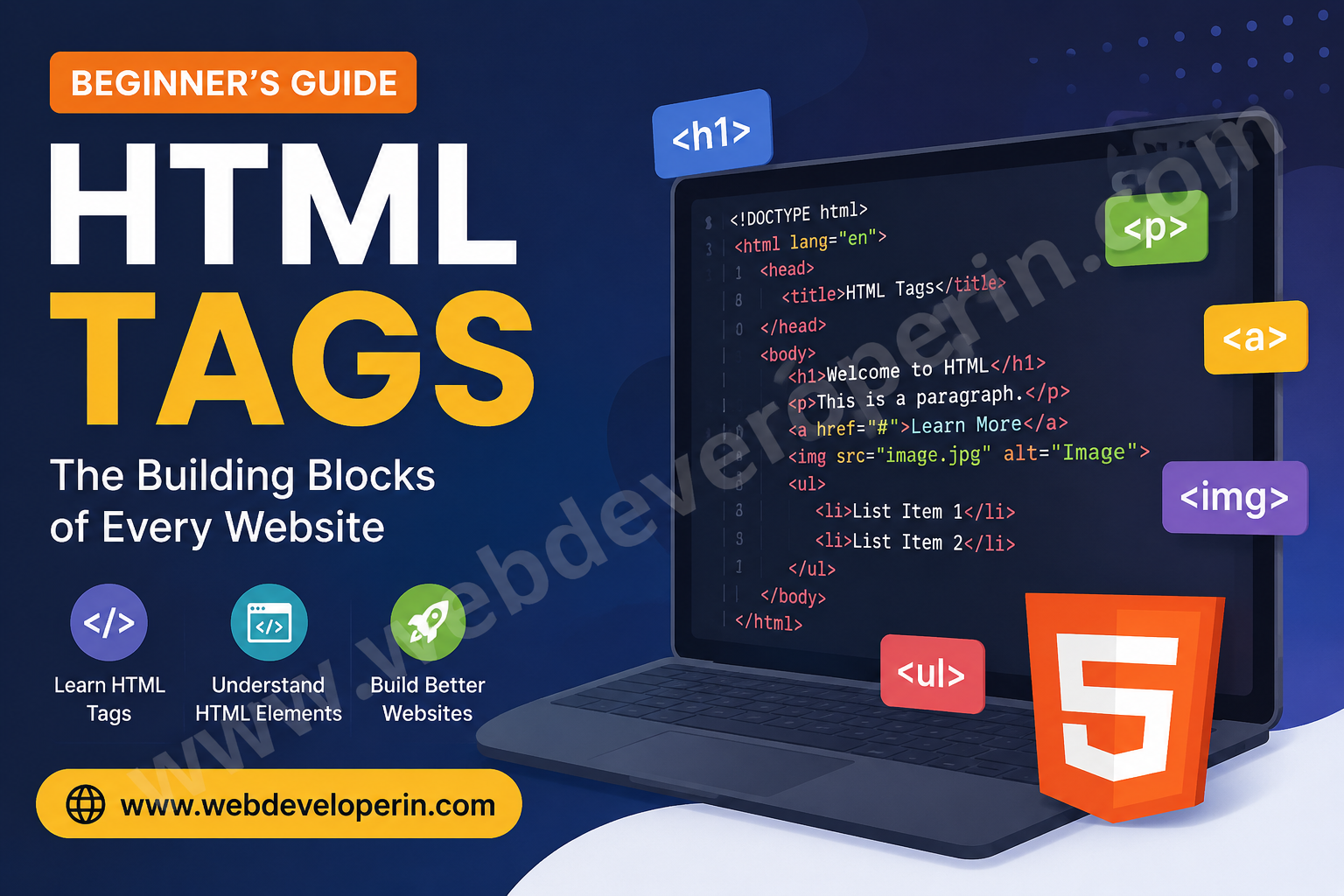
HTML Tags Made Easy: The Ultimate Beginner-Friendly Guide
If you’re starting web development, learning HTML tags is one of the easiest and most important first steps. HTML (HyperText Markup Language) is the foundation of every website, and tags help structure everything you see online—from headings to images and links.
In this beginner-friendly guide, you’ll learn how HTML works, explore essential tags, and understand best practices to build clean and professional web pages.
What Are HTML Tags?
HTML tags are special keywords enclosed in angle brackets (< >) used to define elements on a webpage. These tags tell the browser how to display content like text, images, links, and more.
Most tags come in pairs:
<tagname>Content goes here</tagname>
- Opening tag:
<tagname> - Closing tag:
</tagname>
Example:
<p>This is a paragraph.</p>
Understanding HTML tags is crucial because they form the structure of every web page.
Basic Structure of an HTML Document
Every web page follows a standard HTML structure:
<!DOCTYPE html>
<html>
<head>
<title>My First Webpage</title>
</head>
<body>
<h1>Welcome to My Website</h1>
<p>This is a simple HTML page.</p>
</body>
</html>
Explanation:
<!DOCTYPE html>→ Defines HTML5 document type<html>→ Root of the webpage<head>→ Contains metadata and title<body>→ Contains visible content
This structure ensures browsers correctly interpret your HTML tags.
Common HTML Tags Every Beginner Should Know
1. Heading Tags
HTML provides six levels of headings:
<h1>Main Heading</h1>
<h2>Subheading</h2>
Use <h1> for the main title and <h2>–<h6> for subheadings to improve SEO and readability.
2. Paragraph Tag
The <p> tag is used for writing text content:
<p>This is a paragraph of text.</p>
3. Anchor Tag (Links)
The <a> tag creates hyperlinks:
<a href=”https://example.com”>Visit Website</a>
Links are essential for navigation and SEO.
4. Image Tag
The <img> tag displays images:
<img src=”image.jpg” alt=”Sample Image”>
Always include the alt attribute for accessibility and better SEO.
5. List Tags
Unordered List:
<ul>
<li>Item One</li>
<li>Item Two</li>
</ul>
Ordered List:
<li>First Item</li>
<li>Second Item</li>
</ol>
Lists improve content readability and structure.
6. Div and Span Tags
<div>→ Block-level container<span>→ Inline container
<div>This is a block element</div>
<span>This is inline text</span>
These tags are widely used in layout design.
7. Form Tags
Forms collect user input:
<form>
<input type=”text” placeholder=”Enter your name”>
<button type=”submit”>Submit</button>
</form>
Forms are essential for user interaction.
Self-Closing Tags
Some tags don’t require closing tags:
<br> <!– Line break –>
<hr> <!– Horizontal line –>
<img> <!– Image –>
These are known as void elements.
Why HTML Tags Are Important for SEO
Using tags correctly helps:
- Improve website structure
- Boost search engine rankings
- Enhance user experience
- Make content accessible
- Help search engines understand your content
For example, proper use of heading tags (<h1>, <h2>) improves SEO performance.
Best Practices for Using HTML Tags
- Always close your tags properly
- Use semantic HTML tags like
<header>,<footer>,<article> - Keep your code clean and readable
- Use alt text for images
- Avoid excessive nesting
Learning HTML is simple when you start with the basics. Once you understand how tags work, you can easily build structured and visually appealing web pages.
As you grow, combine HTML with CSS and JavaScript to create modern, responsive websites.