
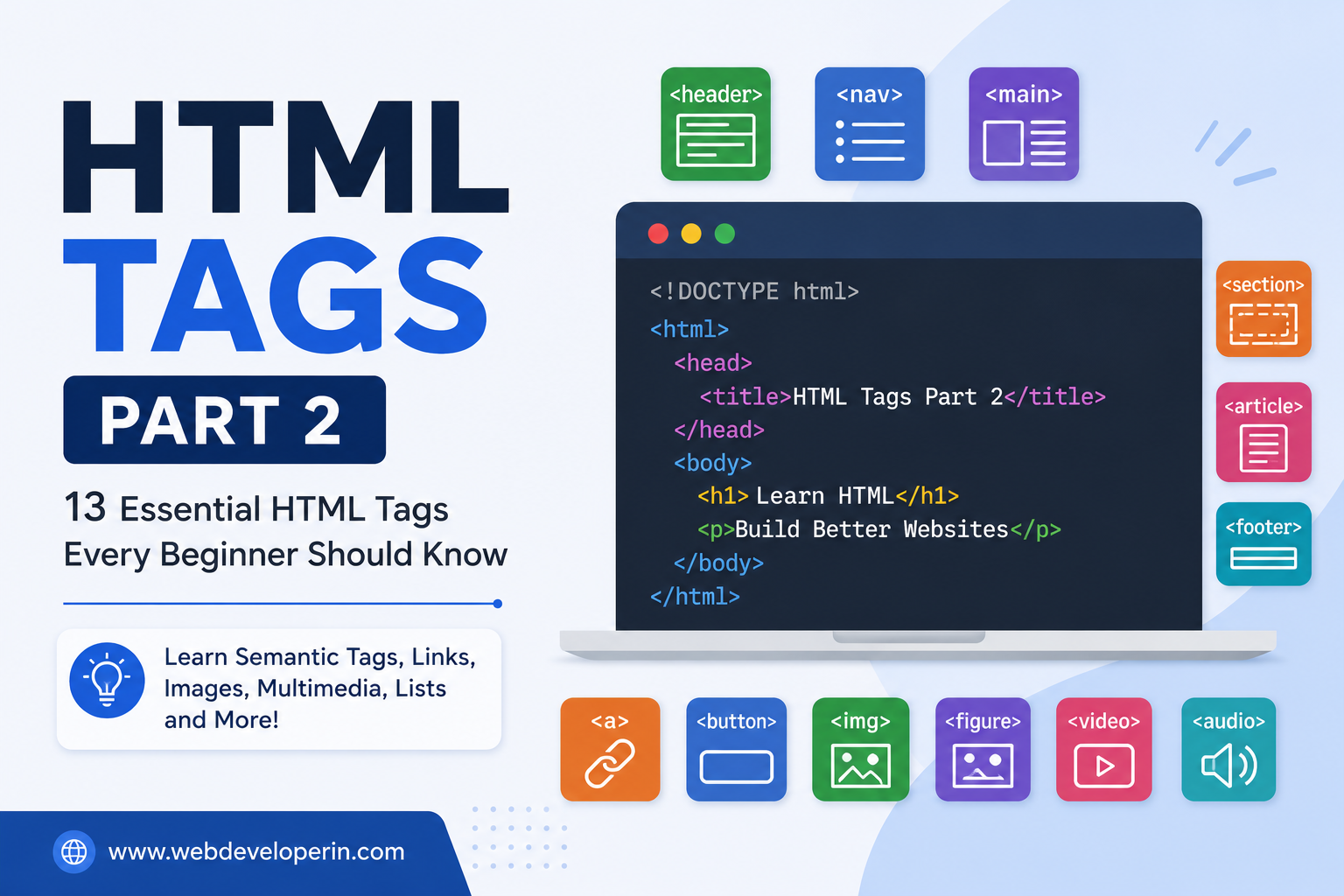
HTML Tags Part 2: 25 Essential HTML Tags Every Beginner Should Know
In our previous guide, HTML Tags Explained: A Complete Beginner’s Guide to HTML Elements, we introduced the basics of HTML tags and how they are used to structure web pages.
If you are new to web development, understanding HTML tags is an important first step toward learning CSS, JavaScript, WordPress development, and modern web design.
In this HTML Tags Part 2 guide, we will explore more useful HTML tags that you will frequently use when creating real-world websites.
We will cover:
- Semantic HTML tags
- Links and navigation
- Images and multimedia
- Tables
- Forms
- Text formatting
- Lists
- HTML containers
- Useful HTML elements
Let’s get started.
1. <header> – Defines the Header Section
The <header> tag represents the introductory or header section of a webpage or a specific section.
It commonly contains:
- Website logo
- Website title
- Navigation menu
- Introduction content
Example:
<header>
<h1>My Website</h1>
<p>Welcome to my website</p>
</header>
The <header> element is a semantic HTML element, which means it clearly describes the purpose of the content inside it.
2. <nav> – Defines Navigation Links
The <nav> element is used to contain the main navigation links of a website.
Example:
<nav>
<a href=”index.html”>Home</a>
<a href=”about.html”>About</a>
<a href=”services.html”>Services</a>
<a href=”contact.html”>Contact</a>
</nav>
Using <nav> helps search engines and assistive technologies understand that the links are part of the website’s navigation.
3. <main> – Defines the Main Content
The <main> element contains the primary content of a webpage.
A page should generally have one main <main> element.
Example:
<main>
<h1>Web Development Guide</h1>
<p>Learn HTML, CSS and JavaScript.</p>
</main>
This makes your HTML structure more meaningful and easier to understand.
4. <section> – Creates a Section
The <section> tag is used to group related content into a logical section.
Example:
<section>
<h2>Our Services</h2>
<p>We provide professional web development services.</p>
</section>
A webpage can contain multiple sections.
For example:
- About Us
- Services
- Testimonials
- Contact
5. <article> – Defines Independent Content
The <article> element is used for self-contained content that can stand on its own.
It is commonly used for:
- Blog posts
- News articles
- Product reviews
- Forum posts
Example:
<article>
<h2>How to Learn HTML</h2>
<p>HTML is the foundation of web development.</p>
</article>
For a blog website, each individual blog post can be represented using an <article> element.
6. <footer> – Defines the Footer
The <footer> element represents the footer of a webpage or section.
It commonly contains:
- Copyright information
- Contact details
- Social media links
- Privacy Policy
- Terms and Conditions
Example:
<footer>
<p>© 2026 WebDeveloperIN. All Rights Reserved.</p>
</footer>
HTML Links and Navigation
7. <a> – Creates a Hyperlink
The <a> tag creates a clickable link.
Example:
<a href=”https://example.com”>Visit Example</a>
You can also open a link in a new browser tab:
<a href=”https://example.com” target=”_blank”>
Visit Example
</a>
For security reasons, when using target="_blank" for external links, it is often recommended to use:
Visit Example
</a>
8. <button> – Creates a Button
The <button> element creates a clickable button.
Example:
<button>Click Me</button>
Buttons are commonly used for:
- Form submission
- Opening menus
- Triggering JavaScript functions
- Interactive elements
Example:
<button type=”submit”>Submit</button>
HTML Images and Multimedia
9. <img> – Displays an Image
The <img> tag is used to display images on a webpage.
Example:
<img src=”image.jpg” alt=”A beautiful landscape”>
The alt attribute provides alternative text for the image.
It is important for:
- Accessibility
- Screen readers
- Understanding image content when an image cannot load
Always try to use a meaningful alt attribute.
10. <figure> – Groups Visual Content
The <figure> element is used to group visual content such as images, diagrams, or illustrations.
<figure>
<img src=”website.jpg” alt=”Website design”>
<figcaption>Modern website design example</figcaption>
</figure>
11. <figcaption> – Adds a Caption
The <figcaption> element provides a caption or description for content inside a <figure>.
Example:
<img src=”html.jpg” alt=”HTML code”>
<figcaption>Example of basic HTML code.</figcaption>
</figure>
12. <video> – Adds Video Content
The <video> element is used to display video files.
Example:
<video controls width=”500″>
<source src=”video.mp4″ type=”video/mp4″>
Your browser does not support video playback.
</video>
The controls attribute adds controls such as:
- Play
- Pause
- Volume
- Fullscreen
13. <audio> – Adds Audio
The <audio> element is used to add audio content to a webpage.
Example:
<source src=”music.mp3″ type=”audio/mpeg”>
Your browser does not support audio playback.
</audio>
Learning HTML is the foundation of web development. Once you understand the purpose of different HTML elements, you can start creating structured and accessible webpages.
In this HTML Tags Part 2 guide, we covered several important elements, including:
<header><nav><main><section><article><footer><a><button><img><figure><video><audio>
These tags are commonly used in real-world websites and are essential for anyone learning HTML.
In the next part, we can explore HTML attributes, forms in detail, HTML5 elements, SEO-friendly HTML, accessibility, and common HTML mistakes.
Frequently Asked Questions
What is HTML?
HTML stands for HyperText Markup Language. It is the standard markup language used to structure content on webpages.
What are semantic HTML tags?
Semantic HTML tags clearly describe the purpose of their content. Examples include <header>, <nav>, <main>, <article>, <section>, and <footer>.
What is the difference between <div> and <span>?
<div> is generally used as a block-level container, while <span> is an inline container used to target smaller pieces of content.
Which HTML tags should beginners learn first?
Beginners should start with basic structural tags such as <html>, <head>, <body>, headings, paragraphs, links, images, lists, and then move on to semantic elements and forms.
Is HTML a programming language?
No. HTML is a markup language, not a programming language. It is used to structure webpage content. CSS is used for styling, while JavaScript adds behavior and interactivity.