
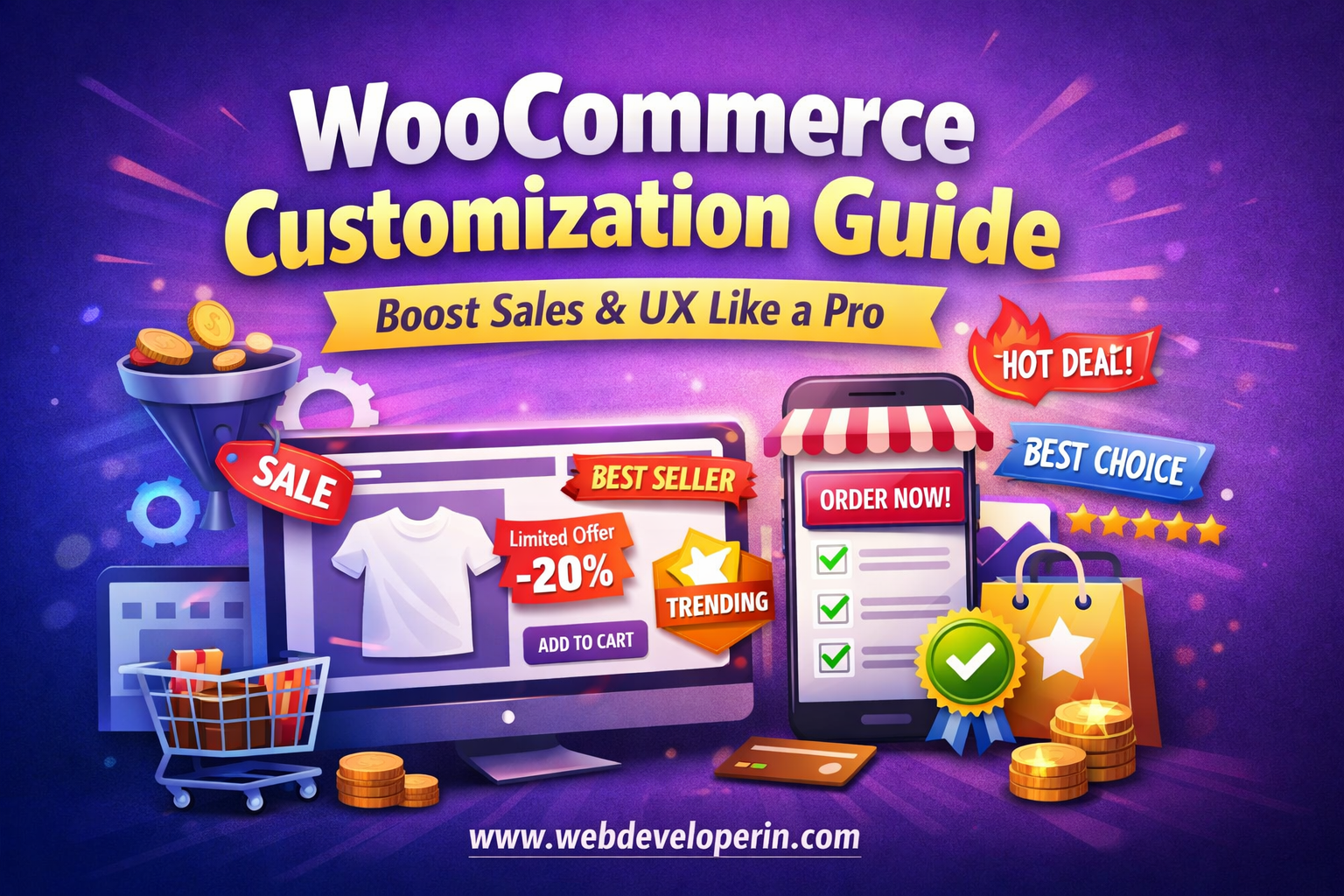
WooCommerce Customization Guide: Boost Sales & User Experience
WooCommerce customization is one of the most important steps in building a successful online store. While WooCommerce provides a strong foundation, it’s the customization that transforms a basic store into a high-converting eCommerce business.
In this guide, we’ll explore how WooCommerce customization can help you improve design, user experience, and overall sales performance.
Why WooCommerce Customization is Important
Every WooCommerce store starts with a default layout, but that’s not enough in today’s competitive market.
With proper WooCommerce customization, you can:
- Create a unique shopping experience
- Build a strong brand identity
- Improve customer trust
- Increase conversion rates
👉 Simply put, WooCommerce customization helps your store stand out and perform better.
1. Optimize Your Product Pages for Conversions
Your product page is the most important part of your store. This is where visitors decide whether to buy or leave.
Here’s how you can improve it:
- Add high-quality product images with zoom functionality
- Include trust badges (secure checkout, fast delivery)
- Highlight discounts and limited offers
- Show stock urgency like “Only 3 left”
- Add FAQs to reduce customer doubts
💡 Small changes here can significantly increase your sales.
2. Use Hooks & Filters (Developer Level Control)
WooCommerce provides powerful hooks and filters to modify almost anything.
Example: Add custom text after product title
add_action(‘woocommerce_single_product_summary’, function() {
echo ‘<p class=”custom-msg”>🔥 Trending Product</p>’;
}, 6);
👉 With hooks, you can customize without editing core files.
3. Optimize the Shop Page Layout
Default shop pages are boring and outdated.
Upgrade it with:
- Grid/list toggle
- Quick view popup
- Wishlist button
- Custom badges (Trending, Best Seller, New)
- AJAX filters
💡 A modern product card design can boost engagement massively.
4. Improve Cart & Checkout Experience
A complicated checkout process is one of the biggest reasons for cart abandonment.
Make it simple and fast:
- Enable guest checkout
- Use a one-page checkout layout
- Add autofill for address fields
- Show a progress bar (Cart → Checkout → Payment)
- Keep distractions minimal
👉 The easier it is to buy, the more customers will complete purchases.
5. Add Smart Product Filters
Filters help users find products faster.
Examples:
- Price range slider
- Category filter
- Color / size options
- Availability (In stock / Out of stock)
👉 Better navigation leads to better user experience and higher conversions.
6. Create Custom Badges (Boost Sales Instantly)
Visual cues grab attention instantly. Adding badges like:
- “Best Seller”
- “Limited Edition”
- “Trending”
- “Hot Deal”
…can influence buying decisions.
You can even automate badges based on:
- Number of sales
- Product ratings
- Stock levels
👉 These create urgency and improve click-through rates.
7. Mobile Optimization (Must-Have)
More than half of online shopping happens on mobile devices.
Ensure your store is:
- Fully responsive
- Fast-loading on mobile networks
- Easy to navigate with thumbs
- Equipped with large, clickable buttons
👉 A poor mobile experience can cost you a huge number of customers.
8. Add Conversion-Boosting Features
Advanced features you can implement:
- Recently viewed products
- Frequently bought together
- Exit intent popup
- Live sales notifications
👉 These small tweaks can significantly increase revenue.
9. Improve Security & Performance
Customization should not slow down your website.
Make sure to:
- Use lightweight themes
- Optimize images
- Enable caching
- Use a reliable hosting provider
- Keep plugins updated
👉 A fast and secure website improves both SEO and user trust.
10. Customize Emails & Post-Purchase Experience
Your relationship with the customer doesn’t end after checkout.
Improve:
- Order confirmation emails
- Shipping notifications
- Thank you page design
👉 A good post-purchase experience increases repeat sales and brand loyalty.
WooCommerce gives you the foundation—but customization makes your store successful.
Focus on:
- Better design
- Faster performance
- Smooth user experience
- Smart conversion strategies
👉 When done right, even a small WooCommerce store can compete with big brands.